HTML5 campaigns
The use of HTML5 enables responsiveness and more precise targeting of content, ensuring your campaigns are timely and effective.
HTML5 index
What is HTML5 content?
HTML5 content is a web page or a part of it, specifically prepared to be displayed as dynamic advertising in a digital environment. It can include both static and animated elements, as well as interactive or automatically updated components (such as weather, pricing, date, or stock availability data).
Html5 is displayed on our screens in the Chromium browser. If an HTTP error occurs on the website, our content management system will bypass the content entirely to avoid error messages and black screens.
Why use HTML5?
HTML5 allows for responsive content, which means that significantly fewer content sizes can be produced compared to video and image formats.
In addition, HTML5 enables the use of JavaScript, among other things, which makes content always up-to-date and allows it to be tied to time and place more effectively.
HTML5 Production Guidelines
- Set the material’s margin, border, and padding to 0 px.
- Ensure the content works properly in the Chromium browser.
- Our devices support Chromium version 74+.
- Most of our inventory supports HTML5 files.
If you plan to use HTML5 assets, please contact our sales team to get the exact production specifications for your campaign.
Below, you’ll find product-specific instructions.

Street Digital
Using HTML5
HTML5 content can be used on almost all Shopping Digital screens. These screens have an aspect ratio of 9:16, but resolutions may vary. Please note that the content does not have a fixed resolution and will scale automatically as needed.
Material Versions
If your content includes time-sensitive elements—for example, parts that must appear or start at a precise moment relative to the spot’s start—two versions of the material may be required:
- In the second version, the BroadsignPlay() function must be added to the code.
- Please ensure this version works correctly in Chromium.
Guidelines for using BroadsignPlay() are available on the manufacturer’s website.

FAME: LED screens
Using HTML5
You can use both HTML5 content and video material across all FAME LED screens.
Material Versions
If your content includes time-sensitive elements—for example, parts that must appear or start at a precise moment relative to the spot’s start—two versions of the material may be required:
- In the second version, the BroadsignPlay() function must be added to the code.
- Please ensure this version works correctly in Chromium.
Instructions for using BroadsignPlay() can be found on the manufacturer’s website.

Shopping Digital
Using HTML5
HTML5 content can be used on almost all Shopping Digital screens. These screens have an aspect ratio of 9:16, but resolutions may vary. Please note that the content does not have a fixed resolution and will scale automatically as needed.
Material Versions
If your content includes time-sensitive elements—for example, parts that must appear or start at a precise moment relative to the spot’s start—two versions of the material may be required:
- In the second version, the BroadsignPlay() function must be added to the code.
- Please ensure this version works correctly in Chromium.
Guidelines for using BroadsignPlay() are available on the manufacturer’s website.
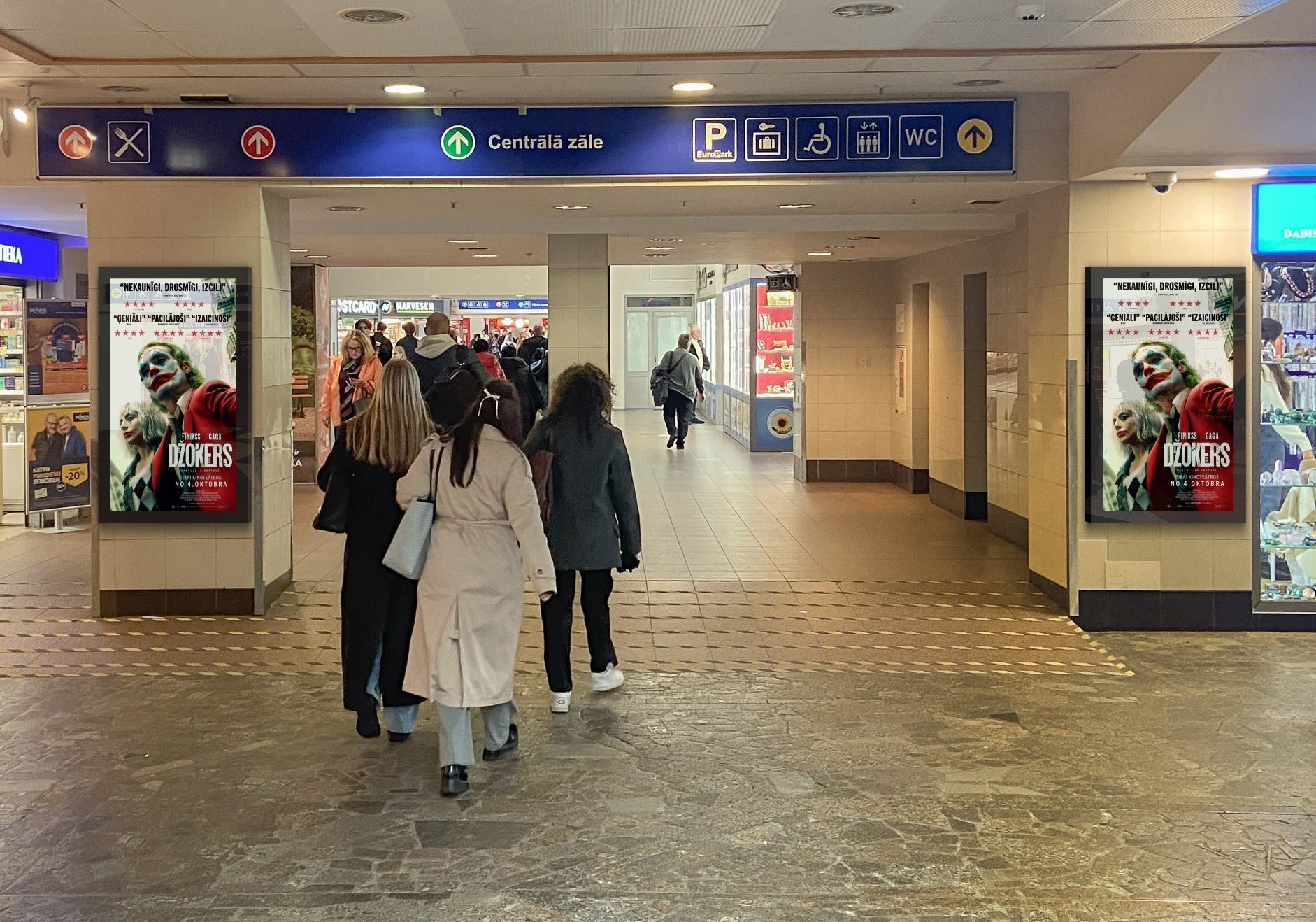
Travel Digital
Using HTML5
HTML5 content can be used on almost all Travel Digital screens. These screens have an aspect ratio of 9:16, but resolutions may vary. Please note that the content does not have a fixed resolution and will scale automatically as needed.
Material Versions
If your content includes time-sensitive elements—for example, parts that must appear or start at a precise moment relative to the spot’s start—two versions of the material may be required:
- In the second version, the BroadsignPlay() function must be added to the code.
- Please ensure this version works correctly in Chromium.
Guidelines for using BroadsignPlay() are available on the manufacturer’s website.